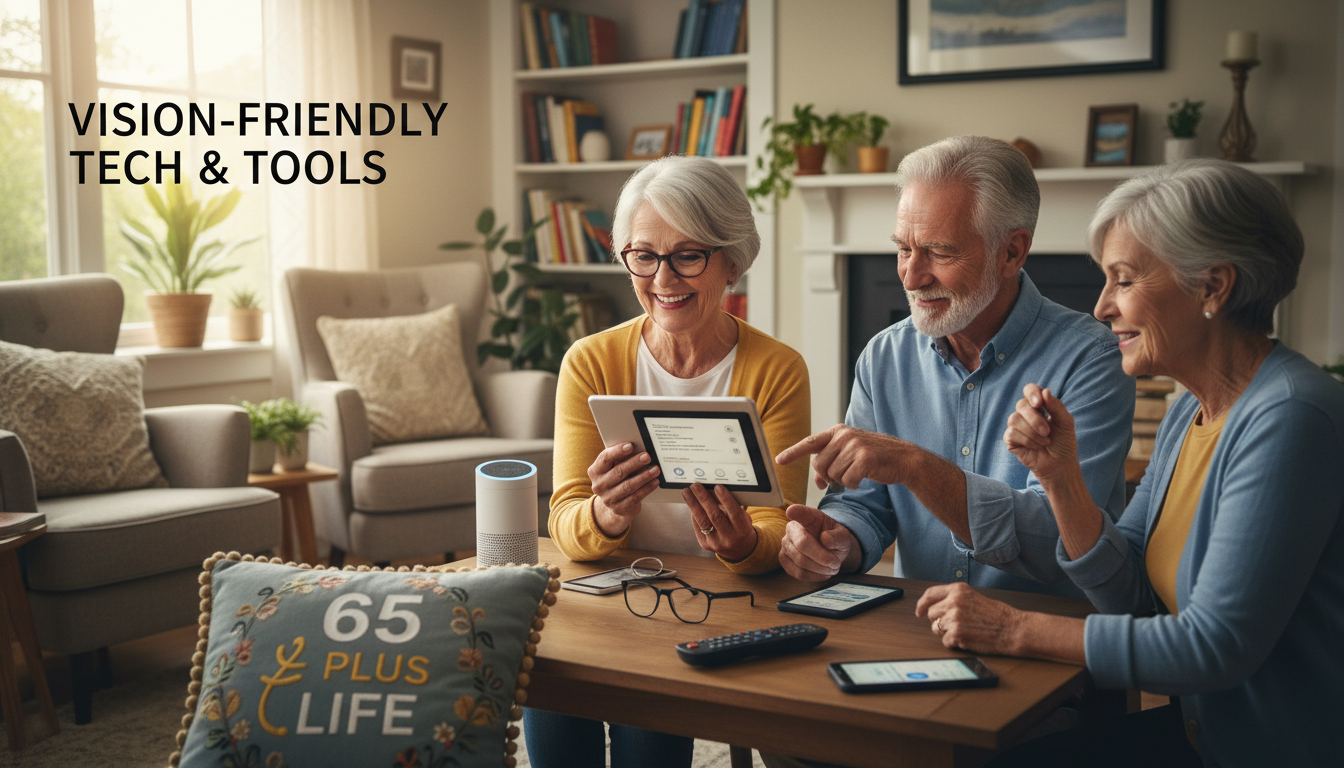
Vision-Friendly Tech & Tools
Vision-Friendly Tech & Tools
If you live with low vision, eye fatigue, dry eyes, or difficulty reading small text, you’re not alone. Many older adults struggle with today’s small screens and tiny letters.
This page highlights simple, senior-friendly tech tools that make reading, browsing, and working online easier, clearer, and more comfortable.
WHY THIS PAGE MATTERS FOR SENIORS
Why Vision-Friendly Tools Are Important
As we get older, our eyes need more support. Low vision can make online tasks frustrating or exhausting. The right tools can:
– Reduce eye strain
– Improve reading comfort
– Increase screen clarity
– Make typing easier
– Boost confidence online
– Lower frustration
– Help you work or browse without squinting
The tools below are handpicked with seniors in mind, including options for dry eyes, light sensitivity, and chronic fatigue.
FEATURED TECH CATEGORIES
Amazon Affiliate Disclosure
As an Amazon Associate, I earn from qualifying purchases. Some links on this page may be affiliate links, and I may receive a small commission at no extra cost to you. Thank you for supporting 65 Plus Life!
🔍 Large-Print Keyboards & High-Contrast Devices
Large-Print Keyboards & High-Contrast Tools
Large-print keyboards make typing easier for older adults with low vision or blurry eyesight. High-contrast letters (yellow on black or white on black) provide maximum clarity.
Look for:
– Large keys with bold letters
– Backlit options
– High-contrast colors
– Easy-to-press key spacing
– Multimedia keys for shortcuts
Screen Magnifiers & Zoom Tools
Screen Magnifiers & Easy Zoom Tools
Magnifiers help seniors enlarge text, buttons, websites, and documents without needing a new computer. These tools are especially helpful for:
– Macular degeneration
– Cataracts
– Glare sensitivity
– Computer eye strain
Types of magnifiers:
– Clip-on screen magnifiers
– Free-standing magnification screens
– Magnifying bars for reading
– Computer software magnifiers
– Browser zoom extensions
Lighting & Eye-Comfort Tools
Desk Lighting & Eye Relief Solutions
Proper lighting makes a huge difference for seniors. Bright but gentle lighting reduces glare, improves focus, and eases fatigue.
Recommended tools:
– LED desk lamps with adjustable brightness
– Warm-light lamps for evening use
– Ring lights for glare-free video calls
– Clip-on book lights
– Anti-glare screen covers
Text-to-Speech, Voice Control & Accessibility Apps
Text-to-Speech, Voice Typing & Accessibility Apps
If your eyes tire easily, text-to-speech tools and voice-controlled typing can save your energy. These tools allow your computer, tablet, or phone to read text out loud, and let you write by speaking.
Helpful options include:
– Chrome “Read Aloud” extension
– Windows Narrator
– Mac VoiceOver
– Google Docs voice typing
– Microsoft Word dictate
– Speech-to-text apps
– Large-print mobile launchers
Simple Tips to Reduce Eye Strain
Jeff’s Simple Tips for Low-Vision Comfort
These small adjustments have helped me manage low vision and chronic fatigue while working from home:
– Use browser zoom (120%–150%)
– Increase Windows or Mac font size
– Use dark mode on tired days
– Keep a soft lamp behind your monitor
– Blink often (it reduces dryness)
– Take 5-minute breaks every 20–30 minutes
– Use a magnifier on long reading tasks
These habits make online life much easier — and they take only a few seconds to set up.
Welcome to the Vision-Friendly Tech & Tools Page
(Large Print for Low Vision Readers)
As we get older, even simple tasks like reading labels, seeing small buttons, or using everyday devices can become challenging. The good news? Today’s technology offers powerful, easy-to-use tools designed specifically for low vision seniors, helping you stay independent, connected, and confident.
On this page, I’ve gathered the best vision-friendly tools I’ve personally tested, researched, or used myself as someone with low vision. These are the same tools older adults trust every day to make life easier.
Let’s explore what can help you see more clearly and navigate your world with ease.
JEFF’S TOP PICKS — VISION-FRIENDLY MUST-HAVES
(Large Print)
Below are a few of my favorite vision-friendly tech items that can help with reading, daily tasks, and staying connected.
1. LED Adjustable Vision Desk Lamp
Bright, glare-free lighting improves reading, hobbies, and paperwork. Many seniors say this is the #1 tool that made an immediate difference.
2. Large-Print Wireless Keyboard
Big, bold letters make typing easier with less eye strain. Perfect for email, social media, and online learning.
3. Digital Full-Page Magnifier
Allows you to magnify books, mail, recipes, and product labels. Great for anyone who struggles with small print.
4. Big-Button Universal Remote
Oversized buttons with high-contrast labels—finally, a remote control that’s stress-free to use!
5. Alexa Voice Assistant (Echo Device)
Hands-free help. Just speak commands to adjust lights, hear weather, set reminders, make calls, or listen to books.
6. Extra-Large Display Senior Smartphone
Larger screen, louder speaker, simple navigation. A favorite for seniors who want an easier texting and calling experience.
7. Vision-Friendly Digital Clock
Large, bright numbers that are readable across the room. Great for memory support and daily routines.
BEST VISION-FRIENDLY TECH FOR SENIORS
(Large Print)
These categories offer the biggest improvement for seniors with low vision:
1. Magnifiers & Reading Tools
Full-page magnifiers, handheld magnifiers, digital magnifiers
Perfect for books, mail, newspapers, pill bottles, and paperwork.
2. Lighting That Reduces Eye Strain
Daylight LED lamps, adjustable task lighting, clip-on reading lights
Clear, bright lighting makes reading and hobbies far more enjoyable.
⌨️ 3. Big-Button & Large-Print Keyboards
Yellow keys, bold black letters, ergonomic layouts
A major help for seniors who enjoy email, writing, or browsing.
4. Senior-Friendly Phones & Tablets
Large screens, easy menus, louder volume, simplified layout
Excellent for staying connected with loved ones and online communities.
5. Easy-to-Use Remote Controls
High-contrast buttons, simple layouts, universal compatibility
No more squinting at tiny buttons!
6. Vision & Hearing Support Devices
Smart speakers, talking clocks, voice-controlled assistants
Helpful for seniors with both hearing and vision changes.
HOW TO SEARCH FOR THE BEST VISION-FRIENDLY TECH ON AMAZON
(Large Print, Simple Tips)
When searching, try typing phrases like:
- “Large print keyboard for seniors”
- “Full page magnifier”
- “Big-button remote”
- “Senior-friendly smartphone”
- “Low vision reading lamp”
- “Talking clock for seniors”
- “High contrast keyboard”
- “Vision-friendly tablet”
Helpful tip:
Look for items with high contrast colors, large buttons, LED lighting, and simple layouts.
VISION-FRIENDLY PRODUCT RECOMMENDATIONS
1. LED Vision-Friendly Desk Lamp (Adjustable, Low Glare)
This bright, adjustable LED lamp reduces eye strain and helps you see more clearly while reading, crafting, using your computer, or preparing paperwork. The glare-free light and soft tone are excellent for seniors with sensitive eyes or chronic fatigue.
Why Jeff Recommends It:
As someone with low vision, proper lighting makes the biggest difference for me. This lamp provides clear, even lighting without harsh brightness.
Great for:
• Reading
• Crafting / hobbies
• Computer work
• Nighttime comfort
2. Full-Page Magnifier (Hands-Free Option Available)
A full-page magnifier makes reading books, mail, prescription labels, and magazines so much easier. Larger than handheld magnifiers and perfect for long reading sessions.
Why Jeff Recommends It:
It lets seniors see an entire page at once instead of chasing small text with a tiny magnifying glass.
Great for:
• Books
• Magazines
• Mail
• Labels
3. Digital Magnifier for Low Vision
A handheld digital magnifier displays text on a bright, high-contrast screen and allows you to zoom in as much as needed. Many seniors love this for reading menus, receipts, and small print when out and about.
Why Jeff Recommends It:
Portable and powerful — you can take it anywhere for instant magnification.
Great for:
• Shopping
• Restaurants
• Bills
• Travel
4. Large-Print Keyboard (High Contrast)
This keyboard features oversized, bold letters that are easy to see, even with low vision. High-contrast colors (yellow keys / black letters) help reduce eye strain while typing.
Why Jeff Recommends It:
Perfect for seniors who enjoy email, writing, social media, and using their computer comfortably.
Great for:
• Emails
• Blogs
• Online learning
• Social media
5. Big-Button Universal TV Remote
Simplified layout + large, high-contrast buttons = stress-free navigation. These remotes cut the clutter and make TV time much easier for seniors.
Why Jeff Recommends It:
Many seniors struggle with tiny remotes full of confusing buttons. This one solves that.
Great for:
• TV
• Streaming devices
• Roku
• Cable
6. Extra-Large Display Senior Smartphone
Phones with larger screens and simplified menus are perfect for older adults with low vision. Many allow voice commands, larger icons, large-text messaging, and louder speakers.
Why Jeff Recommends It:
Easy to use and very senior-friendly, especially for keeping in touch with family.
Great for:
• Calls & texting
• Photos
• Reading & apps
• Voice commands
7. Talking Digital Clock or Smart Speaker
Talking clocks announce the time aloud, and devices like Amazon Echo can give reminders, read books, play music, or control lights with simple voice commands.
Why Jeff Recommends It:
Perfect if you deal with both vision and memory challenges. A great “hands-free” helper.
Great for:
• Time reminders
• Weather forecast
• Audiobooks
• Smart home controls
Amazon Affiliate Disclosure
As an Amazon Associate, I earn from qualifying purchases. Some links on this page may be affiliate links, and I may receive a small commission at no extra cost to you. Thank you for supporting 65 Plus Life!
JEFF SHARES
(Large Print)
Vision-friendly tools are more than just helpful gadgets—they’re confidence tools that make everyday life easier, safer, and more enjoyable. Whether you need better lighting, easier-to-read screens, or simple devices designed for low vision, you are in the right place.
I hope this page helps you find exactly what you need to stay independent and comfortable.
If you’d like more recommendations, visit the Categories & Deals Page anytime for more senior-friendly solutions.
Thank you for visiting Jeffs Vision-Friendly Tech & Tools Page,